





-
Due to logistics constraints, the maximum order quantity is two items.
Smart Touchscreen Control Bar
Master your desktop workflow with real-time system monitoring, instant custom app docks, precise media dials, and tactile touch shortcuts.

Stop Cluttering Your Primary Display
Constantly Alt-Tabbing to check CPU temps, pause Spotify, or open Discord overlays destroys your focus and takes up valuable monitor real estate.

- • Constant Alt-Tab interruptions during high-focus work
- • Cluttered main screen with overlays and widget windows
- • Slow, multi-click hotkey sequences for audio routing
- • No instant visual telemetry for hardware stats
- • Dedicated secondary touchscreen dock at hand's reach
- • Full 100% main screen immersion for games and productivity
- • One-touch physical dials and tactile macro execution
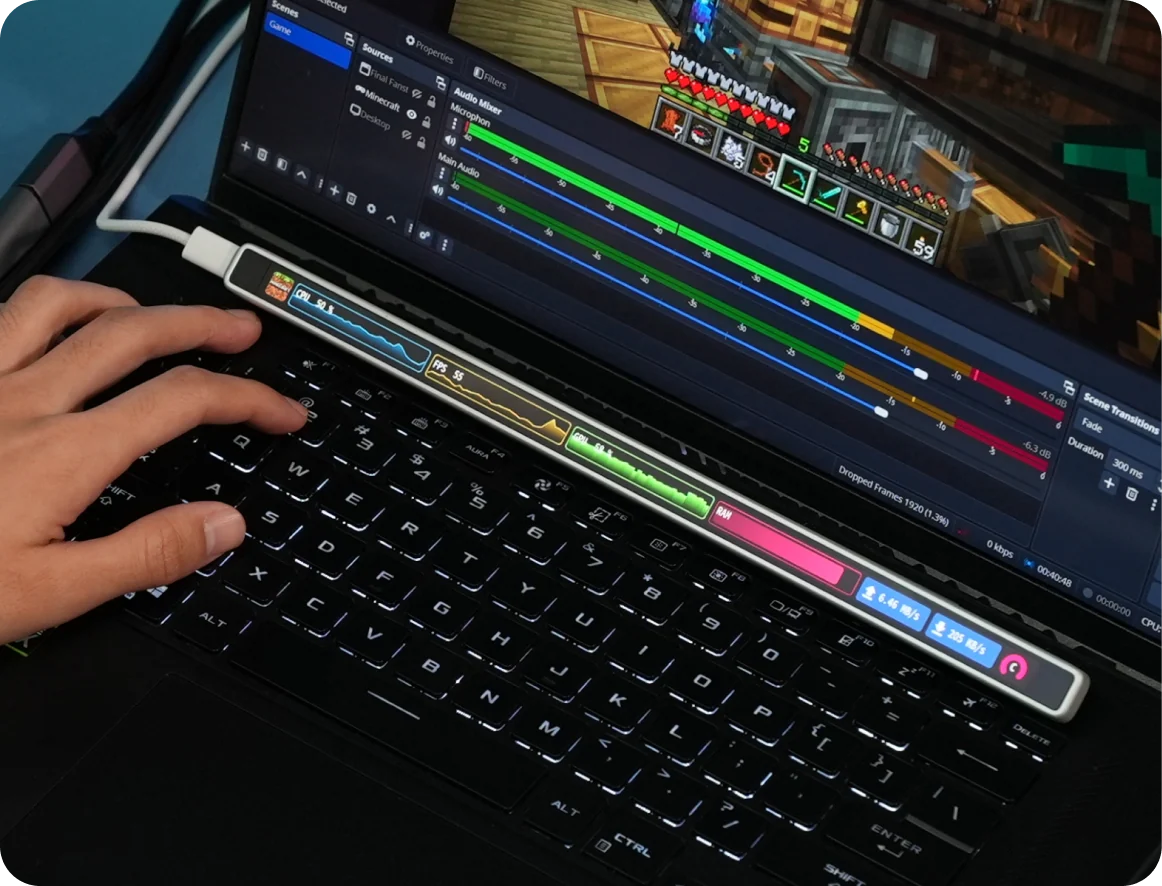
- • Live CPU, GPU, RAM, and network telemetry updates
Engineered for Peak Productivity
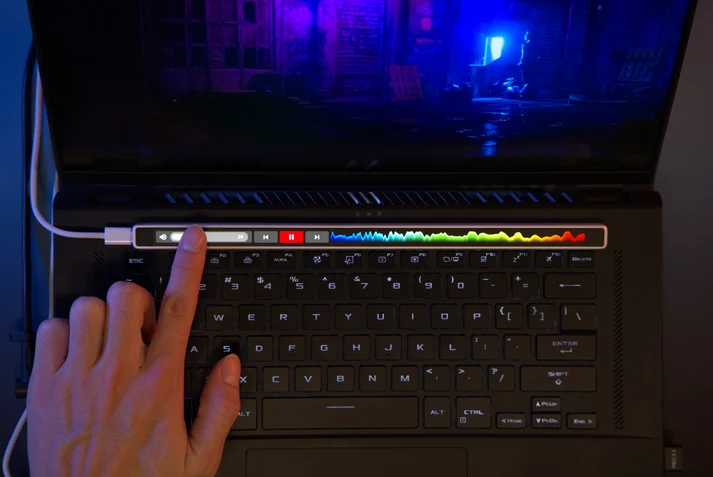
Seamlessly integrate all your favorite software tools into a single sleek horizontal touch strip.
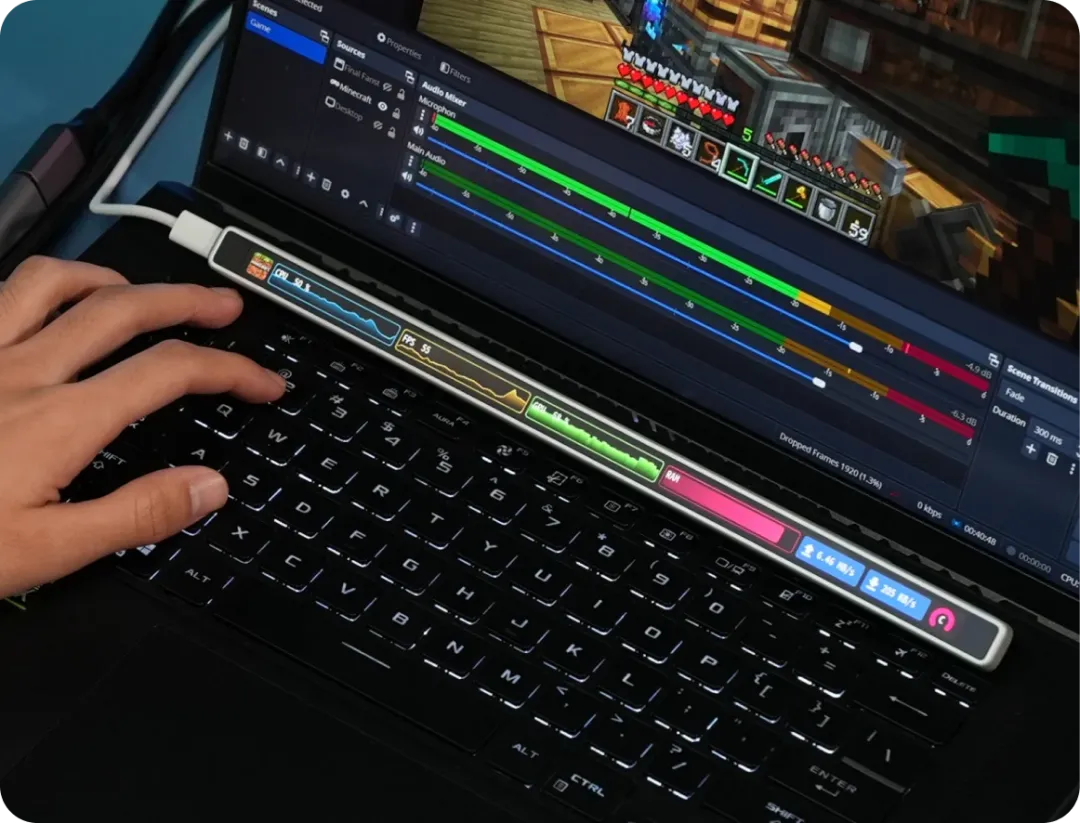
Interactive App Dock
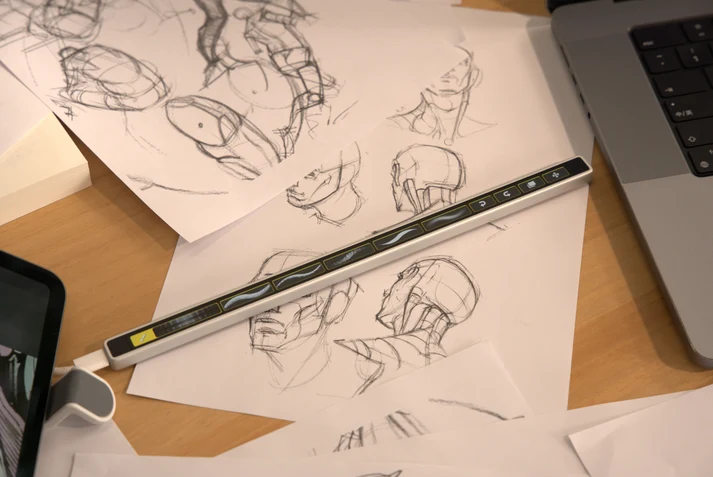
Launch Photoshop macros, switch OBS scenes, or trigger browser bookmarks with a single tap.
Hardware Monitor
Keep precise track of CPU load, GPU temperatures, fan speeds, and RAM consumption in real-time.
Precision Media Control
Adjust volume per application, scrub music tracks, or mute microphone instantly without leaving your game.
Customizable Layouts
Drag and drop built-in widgets, custom icon packs, animated GIFs, or custom multi-action key bindings.
3 Easy Steps to Upgrade Your Desk
Plug In USB-C
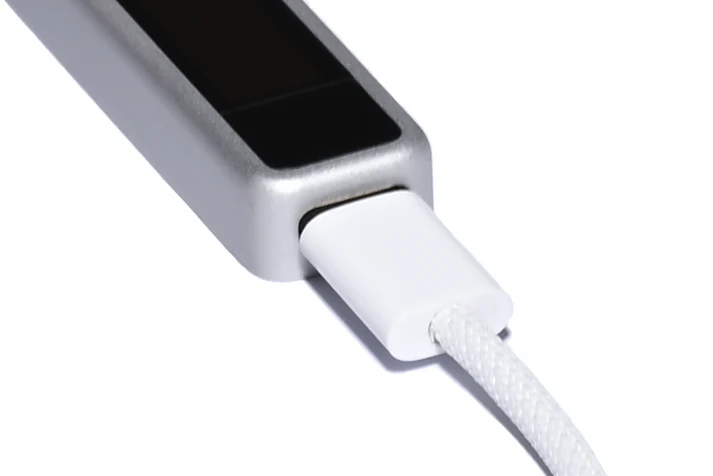
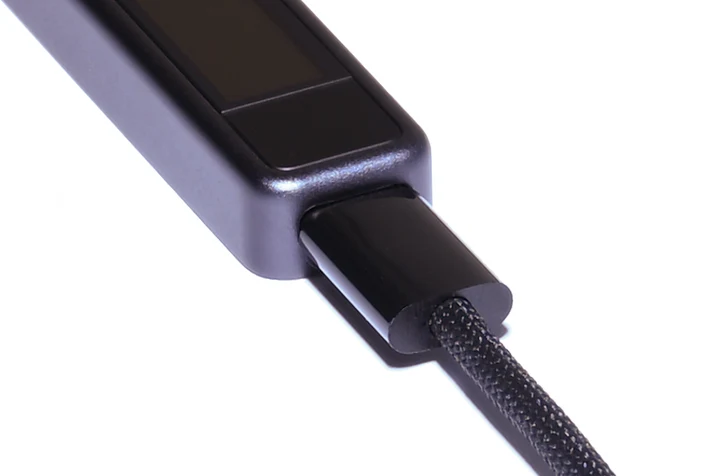
Connect the single included high-speed braided USB-C cable directly to your PC or Mac.
Launch Software
Open our lightweight companion app to auto-detect system specs and hardware devices.
Drag & Drop
Customize your touch controls, media dials, and theme widgets to match your exact setup aesthetic.

🎮 Streamers & Gamers
Monitor fps, change OBS scenes, switch chat channels, and manage audio mixes live.
🎬 Editors & Creators
Scrub timelines in Premiere Pro, trigger hotkeys in DaVinci, and manage color dials effortlessly.
💻 Coders & Traders
Track live stock/crypto tickers, server latency, command outputs, and system loads continuous.
✨ Desk Setup Enthusiasts
Elevate desk aesthetics with custom ambient LED sync, dynamic clock faces, and system themes.
Technical Specifications
| Display | IPS High-Density Touchscreen |
| Connection | USB Type-C (Power & Data) |
| Compatibility | Windows 10 / 11, macOS 10.15+ |
| Enclosure | Anodized Aluminum Alloy Base |
| Software | Free Companion App (Lifetime Updates) |
| In the Box | Control Bar, USB-C Cable, Quick Manual |

Frequently Asked Questions
Does it require additional power cables or HDMI/DisplayPort?
No! The device runs completely on a single USB-C cable which handles both data transmission and power delivery simultaneously.
Is the companion software free to download and update?
Yes, the software is 100% free with lifetime firmware and feature updates included without any subscriptions.
Can I set up custom icons and animated GIFs on the touch bar?
Absolutely! You can import custom PNGs, JPEGs, and animated GIFs to assign to any key, button, or background widget.
Does it impact system performance or CPU usage?
Not at all. The driver runs as an ultra-lightweight background process consuming under 0.5% CPU resources.
Transform Your Workspace Today
Experience ultimate desktop productivity with real-time hardware telemetry, customizable touch shortcuts, and seamless media dials.

Share
🔄 30‑day returns
🔒 Secure Checkout
-
SSL Secure Payment -
Encrypted Checkout -
100% Secure Transaction